...
The Render Settings window present a menu to select which Render Pass to view and edit. All the rendering attributes for the selected Render Pass are displayed right below (grouped by categories), just like they are in the Attribute Editor.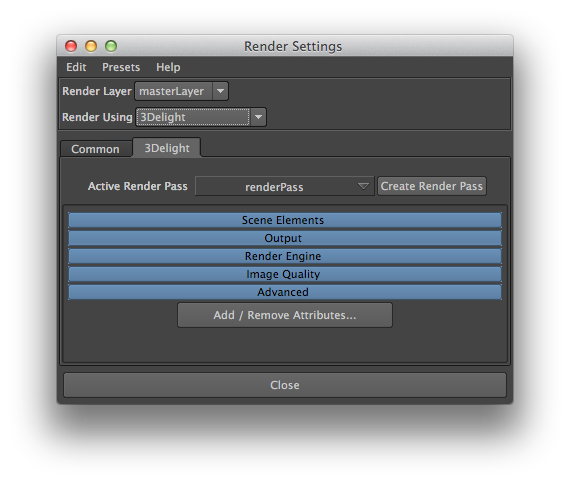
Render Settings window
Here is a description of the items in the Render Settings window for selecting and creating a Render Pass:
Current Render Pass
This option menu lists all Render Pass nodes currently in the scene. The selected one is used for all renderings launched using Render Current Frame or Batch Render options of Maya’s Render menu. By default there is only one Render Pass and it is named 'renderPass1'.
...
The Add Render Pass button creates a new Render Pass node and sets it as the one selected for the Current Render Pass attribute.