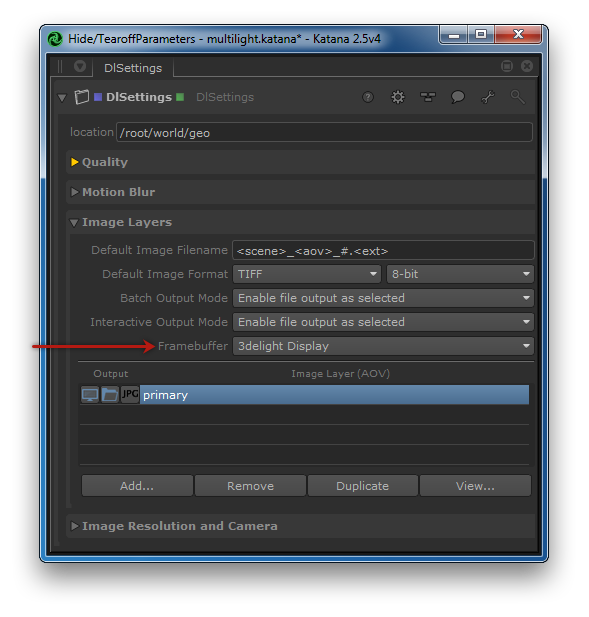
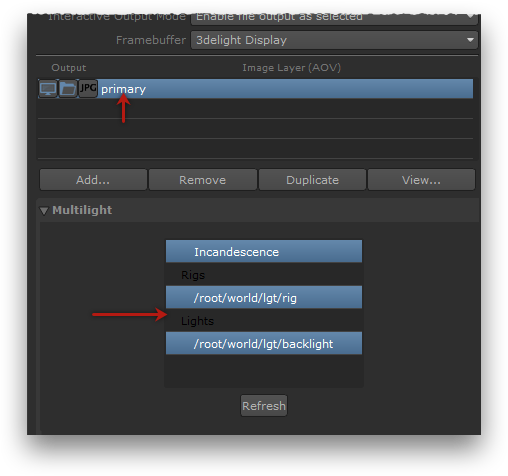
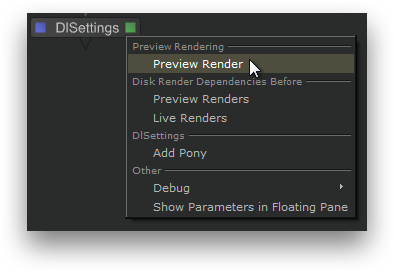
In 3Delight Display, display the contact sheet by double-click the layers icon in the Thumbnail View.
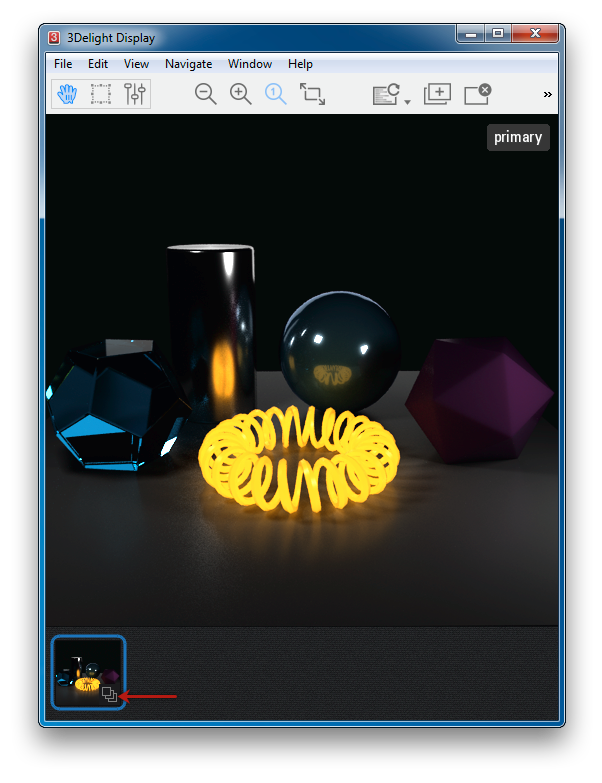
The Contact Sheet can also be displayed by choosing View → Contact Sheet. All rendered layers are shown. You can see one layer per entry picked in the Multi-light list, in addition to the primary RGBA layer. Pick any layer to display it in full size by clicking on it. You can also use the page up and page down keys to cycle through the layers. Select the primary RGBA layer to continue. |