|
|
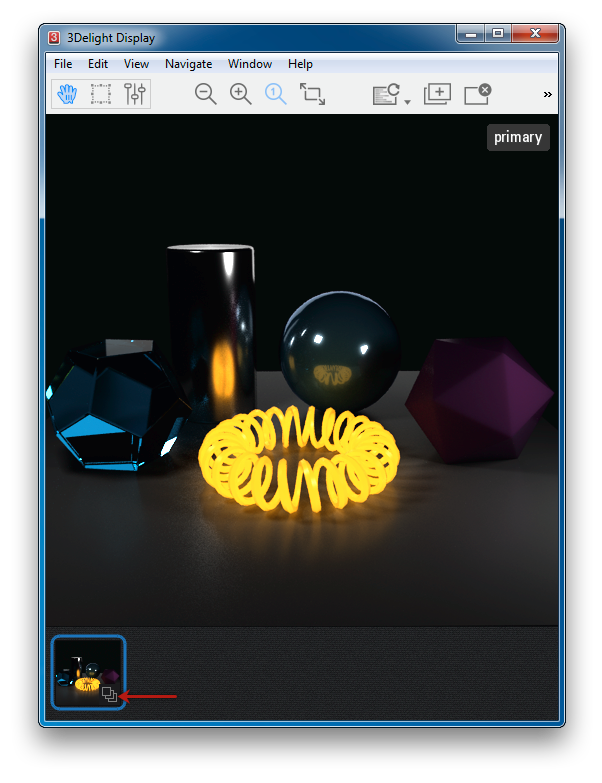
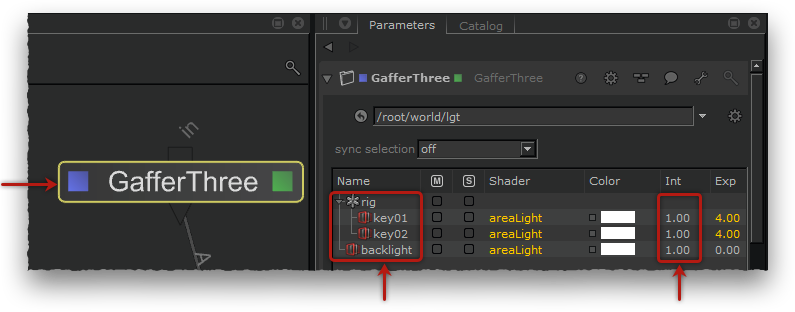
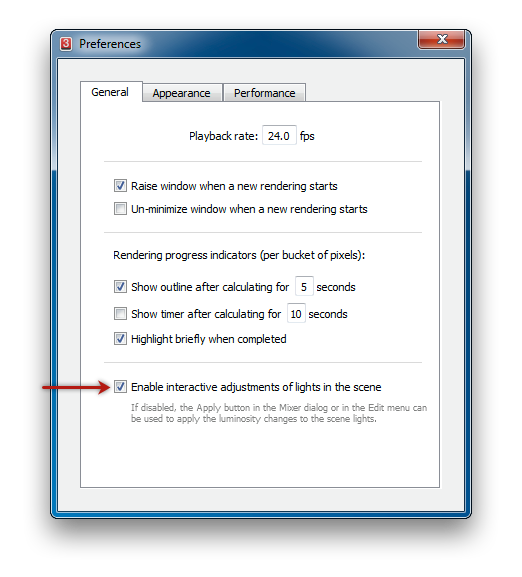
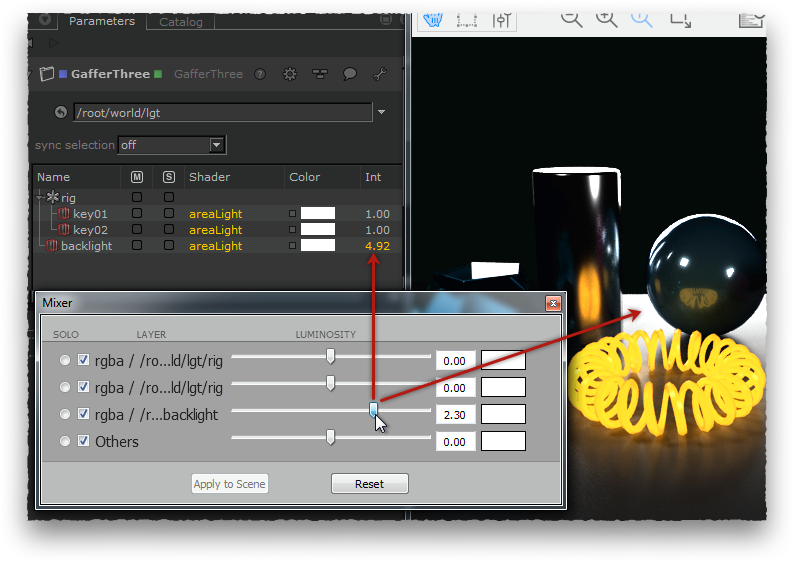
This tutorial illustrates how to render multiple light layers at once using 3Delight for KATANA, and how this kind of rendering can be used in 3Delight Display to interactively adjust the scene light intensities. In this context, the modifications are instantly shown in the rendered image and are applied in the scene by KATANA. The scene is available as a small package file here.
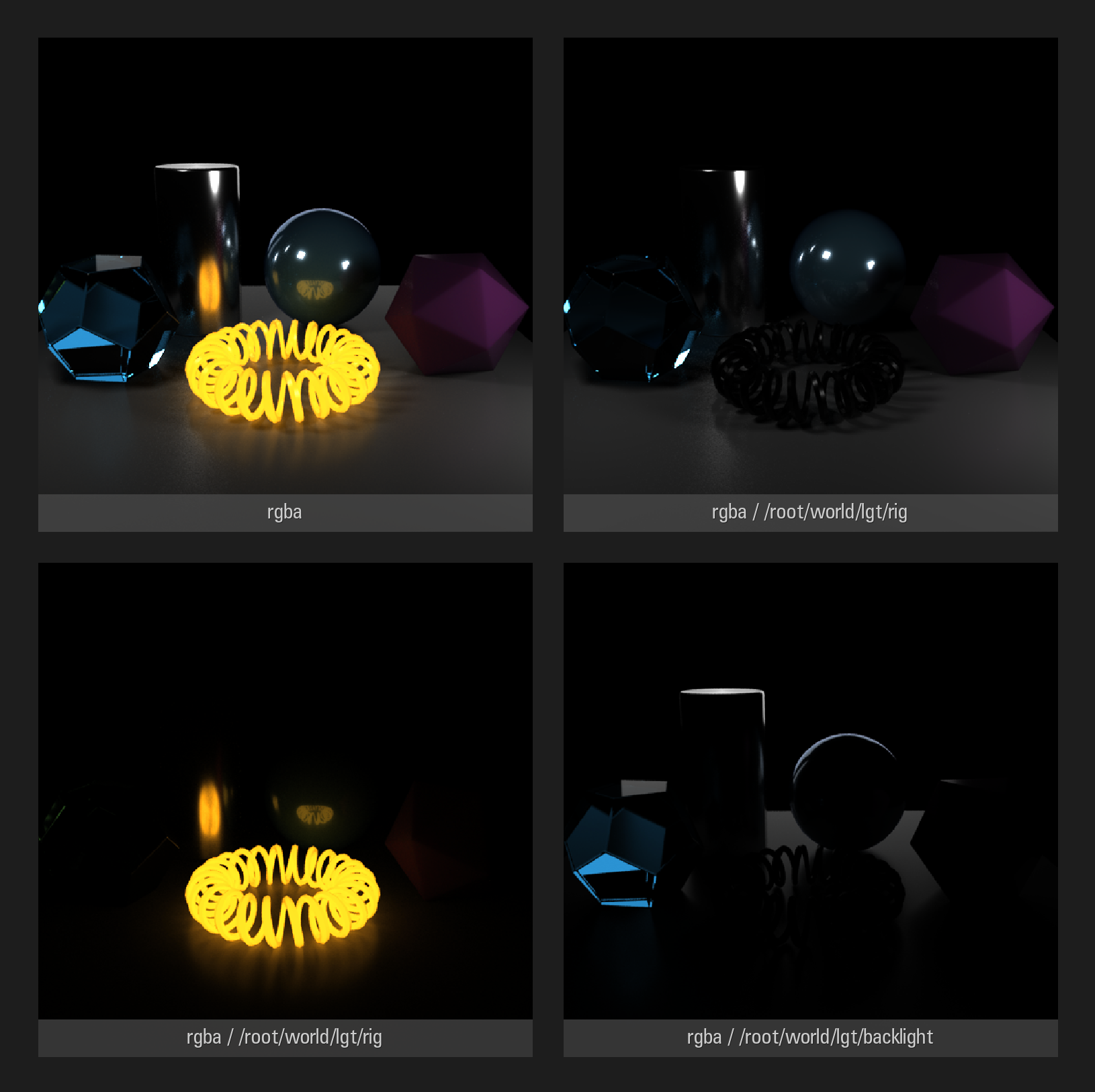
The layers of a multi-light image. Rendering such an image requires about 12% more time than rendering the RGBA "beauty" layer alone.
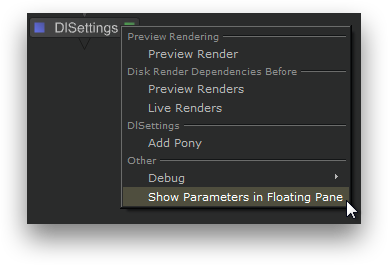
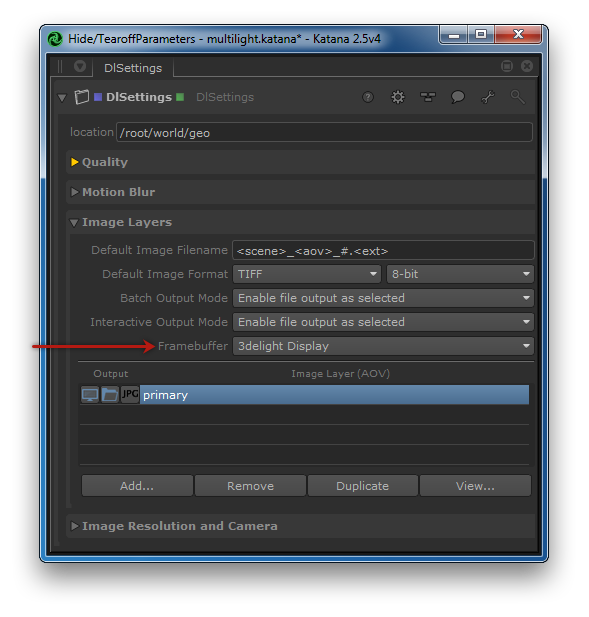
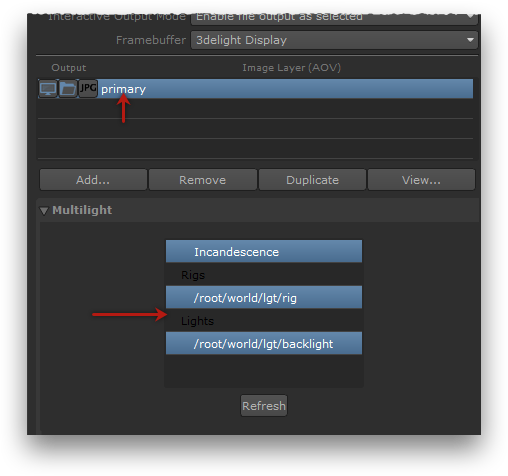
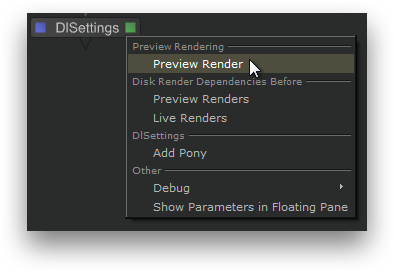
Rendering a multi-light image in KATANA
|
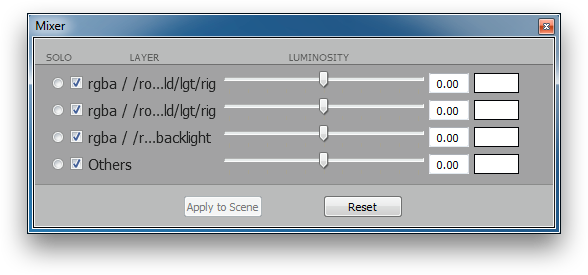
3Delight Display's Mixer can be used to interactively adjust light intensities. The modifications are instantly shown in the 3Delight Display rendered image and applied in the scene by KATANA.
|