| Excerpt Include | ||||||
|---|---|---|---|---|---|---|
|
Creating an Incandescence Light
An incandescence light source can be created in the GafferThree's Object table by right-clicking in the light list section and selecting Add → Incandescence Light, or by pressing the I key. Incandescence lights are not drawn in the Viewer; the object they control normally is.
Overview
The Incandescence Light allows editing the incandescence attributes of controlled objects in the GafferThree node. It also allows the incandescence to be output in its own Multi-Light layer in DlSettings.
The Incandescence Light in the GafferThree node.
The Incandescence Light can control a single object or a group of objects. Its color, intensity and exposure parameters can be used to edit the controlled object incandescence attributes.
...
| Info |
|---|
The GafferThree node should be placed downstream of the nodes that define the geometry to control, its material and its material assignment in order for the Incandescence Light to operate properly. |
...
Parameters
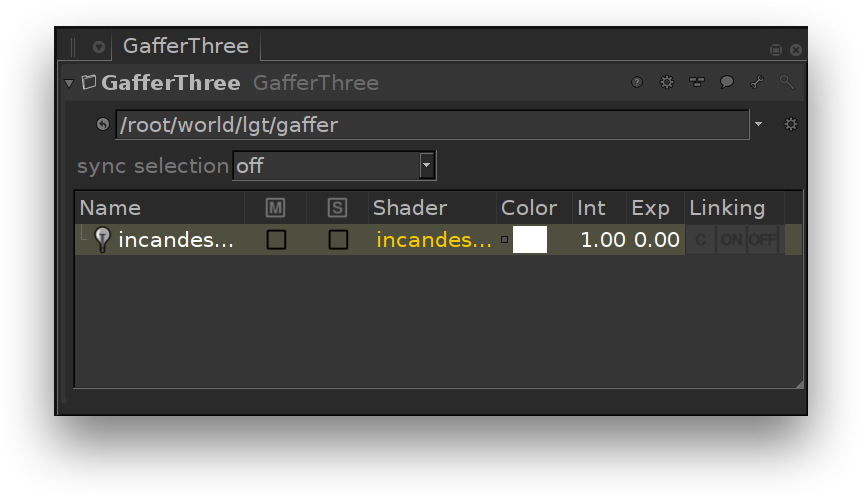
The Incandescence Light in the GafferThree node.
Shaping the Incandescence Light
The Geometry to Control
...
parameter from the Object tab specifies the scene graph location of the object or group of objects whose incandescence attributes will be controlled.
...
Color
Intensity
Exposure
| Excerpt Include | ||||||
|---|---|---|---|---|---|---|
|
Controlling the light from an Incandescence Light
The Material tab serves to control a few light parameters. Their effects are explained the the next section.
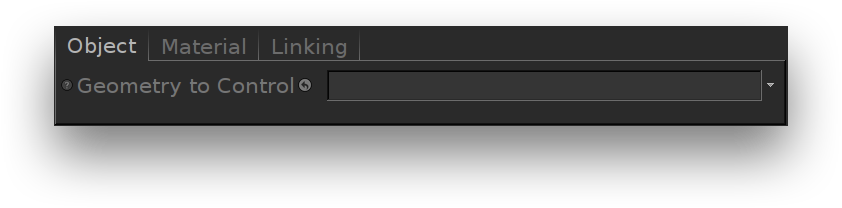
The Object parameters of an incandescence light.
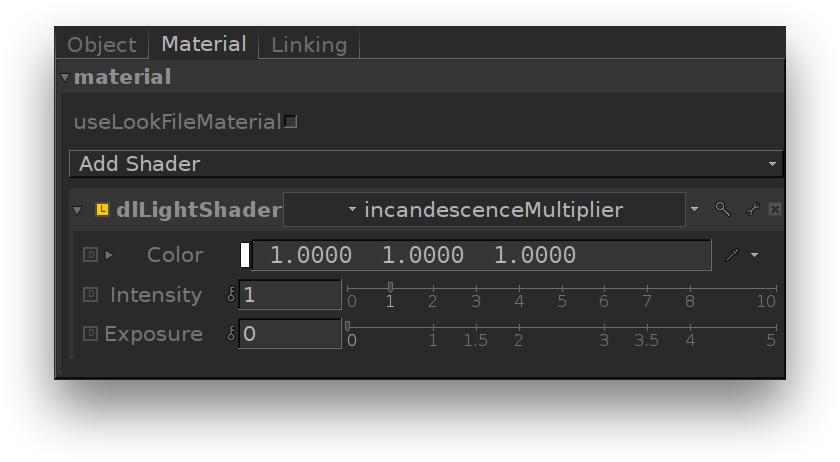
The Material parameters of an incandescence light.
| Excerpt Include | ||||||
|---|---|---|---|---|---|---|
|
| Excerpt Include | ||||||
|---|---|---|---|---|---|---|
|
...