The Incandescence Light allows editing the incandescence attributes of controlled objects in the GafferThree node. The difference between a mesh light and an incandescent light is that the later directly controls the incandescence parameter of the materials applied to the controlled objects. One incandescent light can control as many such object/materials as desired. Another noteworthy difference: this light also allows the incandescence to be output in its own Multi-Light layer in DlSettings.
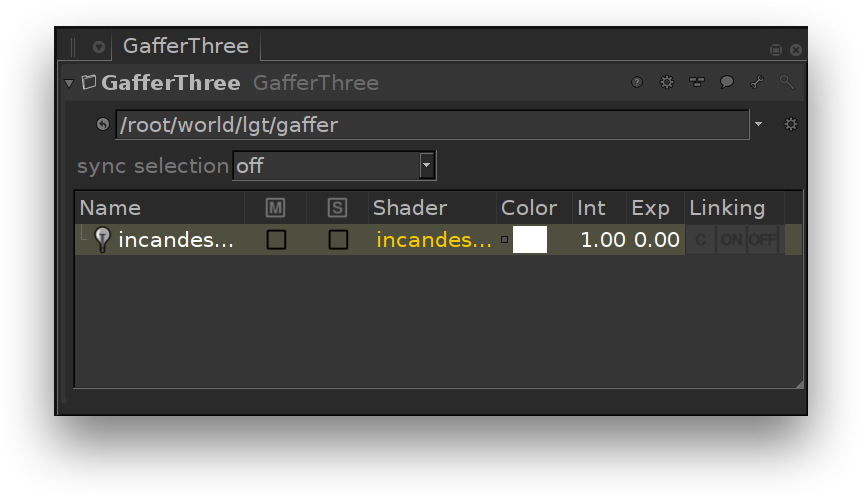
The Incandescence Light in the GafferThree node.
The Incandescence Light can control a single object or a group of objects. Its color, intensity and exposure parameters can be used to edit the controlled object incandescence attributes.
As with any other GafferThree lights, incandescence lights will be listed in the DlSetting's Multi-Light list; the controlled object incandescence can thus be output in their own Multi-Light layer. They also can be edited by 3Delight Display's Mixer.
The GafferThree node should be placed downstream of the nodes that define the geometry to control, its material and its material assignment in order for the Incandescence Light to operate properly.
Object and Material Parameters
The Geometry to Control parameter from the Object tab specifies the location of the object or group of objects whose incandescence attributes will be controlled. The location can be set by middle-click and dragging a mesh or group scene graph location to the parameter, for instance.
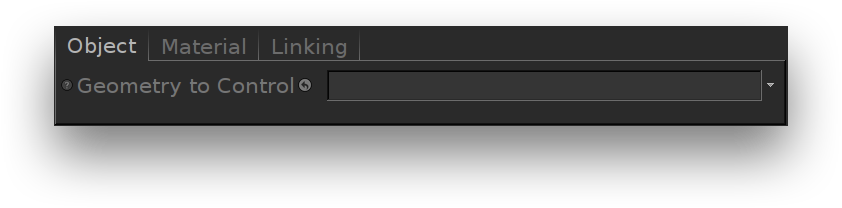
The Object parameters of an incandescence light.
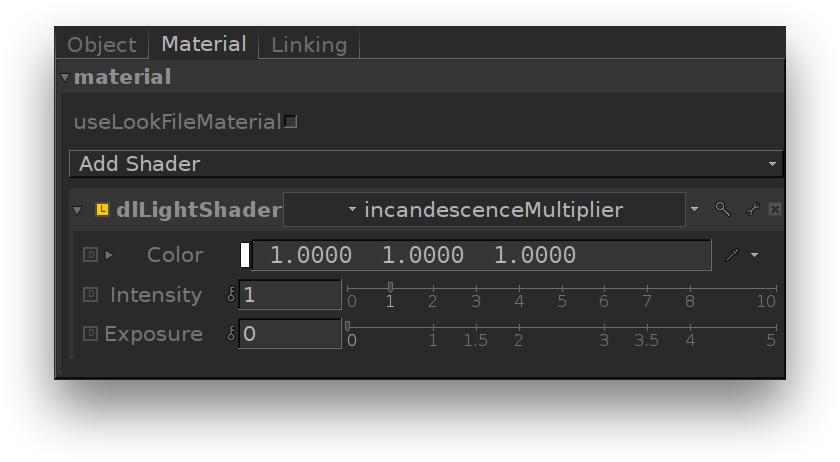
The Material parameters of an incandescence light.
Parameters of the Incandescence Light
Color
Intensity
Exposure
These parameters act as multipliers of the controlled geometry's incandescence color. The original material's Incandescence Intensity parameter will be multiplied by this value.